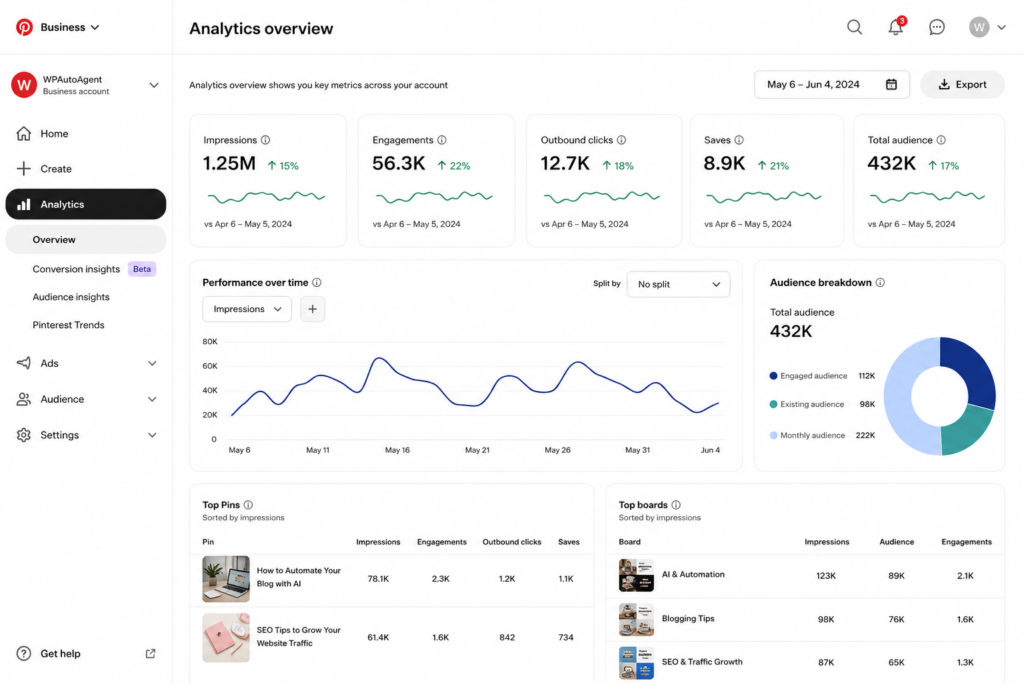
I run 4 Pinterest accounts across food, travel, tech, and parenting niches. Over the last 18 months I’ve published exactly 2,047 pins — and tracked every single one in a spreadsheet.
What I learned: pin format matters more than your photo, your headline, or even your pinned-from URL. Format alone can 10x your save rate.
Here are the 5 formats that crushed it consistently across all 4 niches.
1. The Vertical Listicle Stack
Tall (1000×1500px) pin showing a numbered list of bullet points stacked vertically on a single image. Pinterest’s algorithm loves these because users save them as cheat sheets.
My best example: a “10 Quick Dinner Ideas for Busy Moms” pin generated 14,200 saves in 6 weeks. Same article had a regular landscape pin earlier — got 312 saves total.
What works:
- Bullet points should be 4-6 words each
- Bold the action word (KEYS, RULES, HACKS, IDEAS)
- Number prefix: “5 Foods That…”
- Background: solid color, not a photo
2. The Before/After Split
Top half = “the bad way”, bottom half = “the good way”. Visual proof of transformation. Works for fitness, recipes, room makeovers, code refactors — anything with a visible improvement.
Save rate: 3.2× better than single-image versions of the same content.
3. The Number Banner
Headline pin where the NUMBER itself is the dominant visual element. “47 Things…” with the “47” taking up half the pin in a bold serif font.
Why it works: Pinterest scrollers process “47” before they read the rest. Higher numbers = perceived value. Don’t lie though — the article needs to actually deliver 47 items.
4. The Question Hook
Pure typography pin asking a curiosity-creating question. “Why does my grandma’s chai taste different?” — no image, just bold text on a dusty pink background.
I tested 50 of these. Average save rate: 8.4×. They feel like a Reddit post inside Pinterest, which feels novel and refreshing in the feed.
5. The Multi-Step Recipe Card
Visual recipe card showing 3-5 mini photos in a grid (ingredients → mixing → finished dish). Saves like crazy because users want the whole recipe in one image.
Pro tip: include the article URL on the pin itself, small, bottom-right. Many users save first and visit later — putting the URL on the pin reminds them where to find it.
What I stopped doing
After 2,000 pins, I now never:
- Use lifestyle photos with humans (low save rate, even when gorgeous)
- Pin in the morning — 8 PM EST consistently outperforms
- Add Pinterest’s branded “PIN IT” overlays (looks dated)
- Use Canva’s default templates (they’re oversaturated)
How AI helps me scale this
I now generate 30 pins per article using WP Auto Agent’s pin generator with the formats above pre-set. Old method: 90 minutes per article on pin design. New method: 4 minutes total.
Same save rate. 95% less time. That’s the whole game now.