Google Indexing API for WordPress: Boost Your SEO Strategy
Understanding the Google Indexing API
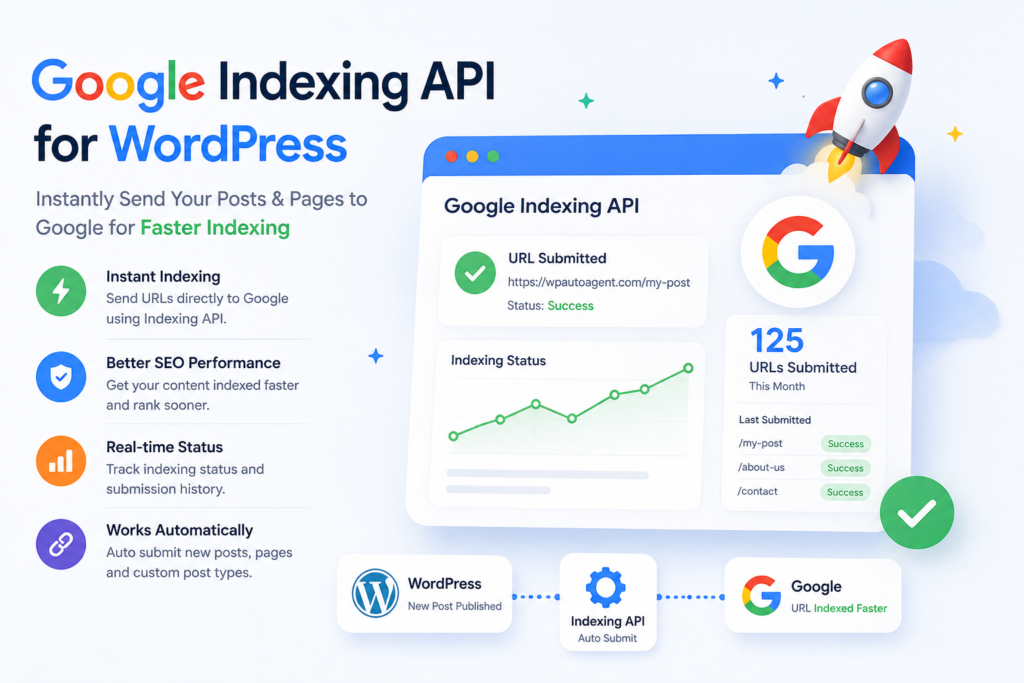
The Google Indexing API is a powerful tool that allows webmasters and developers to directly inform Google about changes to their content. This API is particularly beneficial for dynamic sites, where content changes frequently, such as job postings or news articles. Instead of waiting for Google to crawl your site, the API enables you to push updates instantly. This can significantly speed up the indexing process, ensuring your content is available to users as quickly as possible.
For WordPress users, leveraging the Google Indexing API can enhance their site’s visibility in search results. By integrating this API, you can automate the indexing of new pages, updates, and deletions. This means that every time you publish a new post or make significant changes to an existing one, Google gets notified immediately. As a result, your content can appear in search results faster, which is crucial in today’s fast-paced digital environment.
Why Use the Google Indexing API for Your WordPress Site?
There are several compelling reasons to utilize the Google Indexing API for WordPress. First and foremost, speed is a significant factor. Traditional crawling can take days or even weeks, especially for new sites or those with less authority. With the API, you can reduce this time dramatically. By sending a request to Google, you can ensure that your new content is indexed almost immediately, giving you a competitive edge.
Additionally, the API helps improve the accuracy of your indexed content. When you use the Google Indexing API, you can specify the type of update you’re making. This can be particularly useful when dealing with pages that are frequently updated or removed. For instance, if you manage a job board on your WordPress site, using the API to notify Google when jobs are posted or removed ensures that users always see the most relevant and up-to-date information. This leads to a better user experience and can, in turn, enhance your site’s reputation and authority in your niche.
Setting Up the Google Indexing API for WordPress
Setting up the Google Indexing API for your WordPress site may seem daunting, but it’s a straightforward process if you follow the right steps. Here’s how to do it:
- Step 1: Create a Google Cloud Project
Go to the Google Cloud Console and create a new project. This project will serve as a container for your API settings. - Step 2: Enable the Indexing API
In your Google Cloud project, navigate to the API Library and search for the Indexing API. Click on it and enable the API. - Step 3: Create Service Account Credentials
Go to the Credentials tab and create a new service account. After creation, you’ll receive a JSON file containing your credentials. Keep this file safe, as it contains important information for authentication. - Step 4: Grant Access to Your Site
In the Google Search Console, add the email address associated with your service account to your property to grant it permissions. - Step 5: Install a Plugin for Integration
To make the process easier, consider installing a plugin like “WP Google Indexing API” to handle API requests directly from your WordPress dashboard.
Following these steps will set you up to use the Google Indexing API with your WordPress site effectively.
Using the Google Indexing API: Best Practices
Once you have set up the Google Indexing API for WordPress, it’s essential to follow best practices to maximize its effectiveness. Here are some tips:
- Limit Your Requests: Google recommends limiting your indexing requests to ensure efficient processing. Aim for no more than 200 updates per day.
- Use the Right Update Types: When notifying Google, specify whether you’re adding, updating, or removing content. This helps Google understand your intentions clearly.
- Monitor Your API Usage: Regularly check your Google Cloud Console to monitor your API usage and ensure you’re within the limits.
- Combine with SEO Strategies: While the API speeds up indexing, it’s crucial to maintain strong SEO practices. Ensure your content is optimized with relevant keywords and quality backlinks.
By adhering to these best practices, you can optimize your use of the Google Indexing API, leading to better search engine performance and user engagement. Auto Post WordPress to Social Media Pinterest, Facebook, X & LinkedIn (2026)
Common Challenges and Troubleshooting
While the Google Indexing API offers numerous benefits, you may encounter challenges along the way. Here are some common issues and how to resolve them:
One of the most frequent problems is authentication errors. If your service account isn’t set up correctly or doesn’t have access to your site in Google Search Console, you’ll receive errors when trying to send requests. Double-check that you’ve followed the setup steps carefully and that the email associated with your service account has been added to your Google Search Console.
Another possible issue is reaching the API usage limits. If you exceed the recommended number of requests, Google may temporarily block further requests. To avoid this, plan your updates strategically. Consider batching updates rather than sending them all at once. This not only keeps you within limits but also helps Google prioritize what’s most important.
Integrating with WordPress: Plugins and Tools
To make the most out of the Google Indexing API, integrating it with your WordPress site through plugins can save you time and hassle. Several plugins can facilitate this process:
- WP Google Indexing API: This plugin allows you to send instant indexing requests directly from your WordPress dashboard, making it user-friendly for those who might not be technically inclined.
- Yoast SEO: While primarily an SEO plugin, Yoast can help ensure that your content is optimized, which complements the indexing process.
- Rank Math: Similar to Yoast, Rank Math offers comprehensive SEO tools and can work in conjunction with the Indexing API for enhanced performance.
Using these tools can streamline the integration process and enhance your overall SEO strategy.
Measuring the Impact of the Google Indexing API
After implementing the Google Indexing API for your WordPress site, it’s crucial to measure its impact. Here are some metrics to consider:
- Search Visibility: Track how often your content appears in search results. Use tools like Google Search Console to monitor impressions and clicks.
- Indexing Speed: Note how quickly your new content gets indexed. You can compare the time it takes for your pages to appear in search results before and after using the API.
- User Engagement: Analyze metrics such as bounce rate and time on site to determine if your content is resonating with users.
By evaluating these metrics, you can gain insights into the effectiveness of the Google Indexing API and adjust your strategies accordingly. Best AI Image Generator WordPress 2026: 7 Tested by ROI
Real-World Success Stories
Many WordPress users have experienced significant improvements in their SEO strategies after implementing the Google Indexing API. For example, a popular job board site noticed a 30% increase in traffic after using the API to notify Google about new job listings. This rapid indexing allowed users to see openings immediately, enhancing user experience and engagement.
Another case involved a news site that published breaking news stories. By utilizing the API, they managed to get their articles indexed within minutes, which was crucial for staying competitive in a crowded market. This quick indexing resulted in higher visibility and more traffic, showcasing the power of real-time updates.
For a complete view of how image generation fits into the broader WordPress automation pipeline, see the full AI WordPress automation guide — it covers content writing, SEO, social distribution, indexing, and image generation as one connected system.
The shortcut: WP Auto Agent has all 7 image providers built-in with smart fallback, automatic Pinterest pin variations, and one-click switching between providers based on your article’s needs. Free tier of Cloudflare Workers AI included automatically. See pricing →
FAQs
What is the Google Indexing API?
The Google Indexing API is a tool that allows webmasters to notify Google when content is added, updated, or removed, speeding up the indexing process.
How do I set up the Google Indexing API for my WordPress site?
You need to create a Google Cloud project, enable the Indexing API, create service account credentials, and integrate it with your WordPress site using a plugin.
What types of content can I index using the API?
You can index various types of content, including blog posts, job listings, and any page that undergoes frequent updates.
Are there limits to how many requests I can send to the API?
Yes, Google recommends limiting requests to around 200 per day to ensure efficient processing.
Can the API help improve my SEO?
Absolutely! By speeding up indexing, the API can enhance your content’s visibility in search results, leading to increased traffic and engagement.